Items & Services
Your price list of materials and services, used when building a Purchase List.
The catalog list
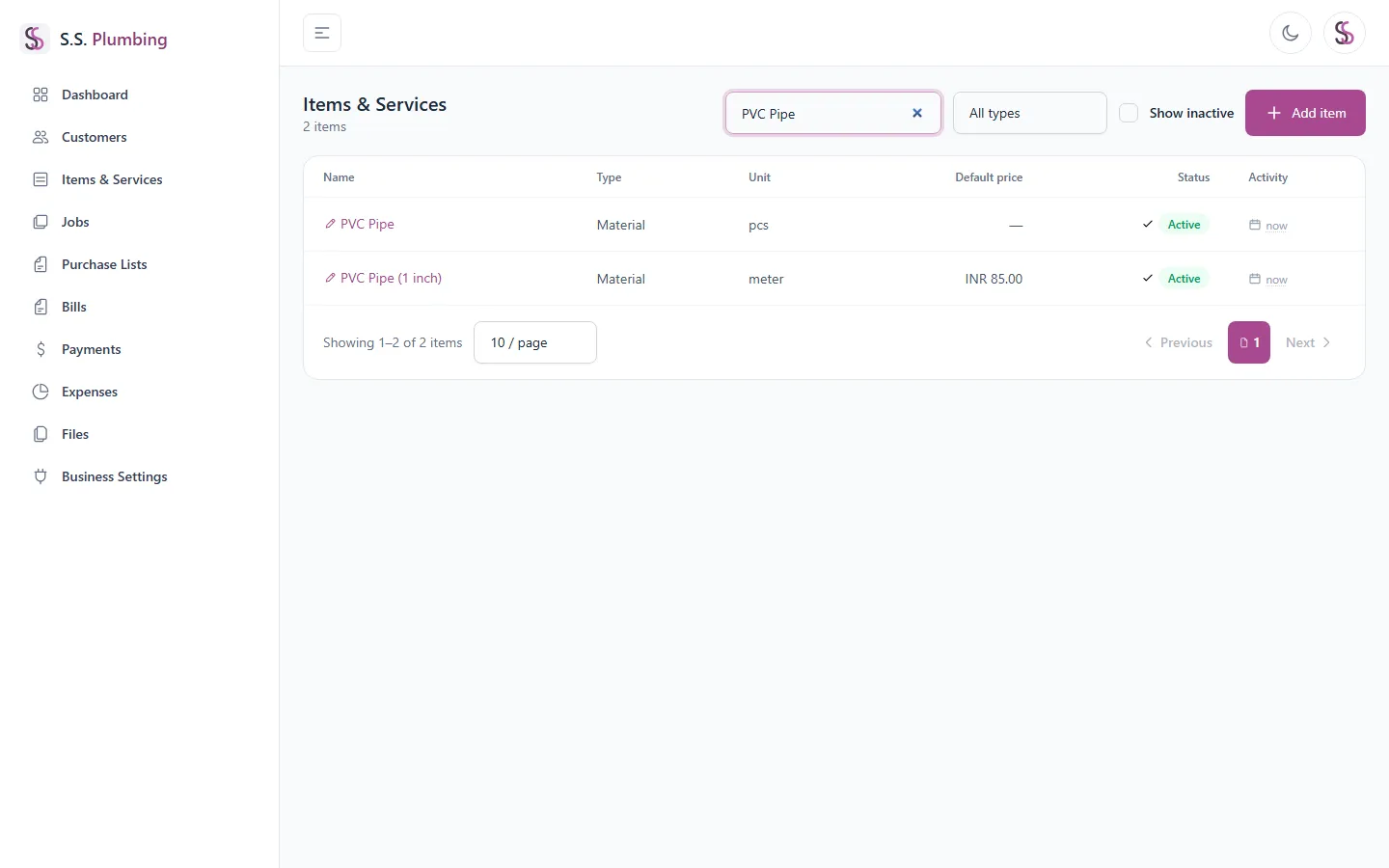
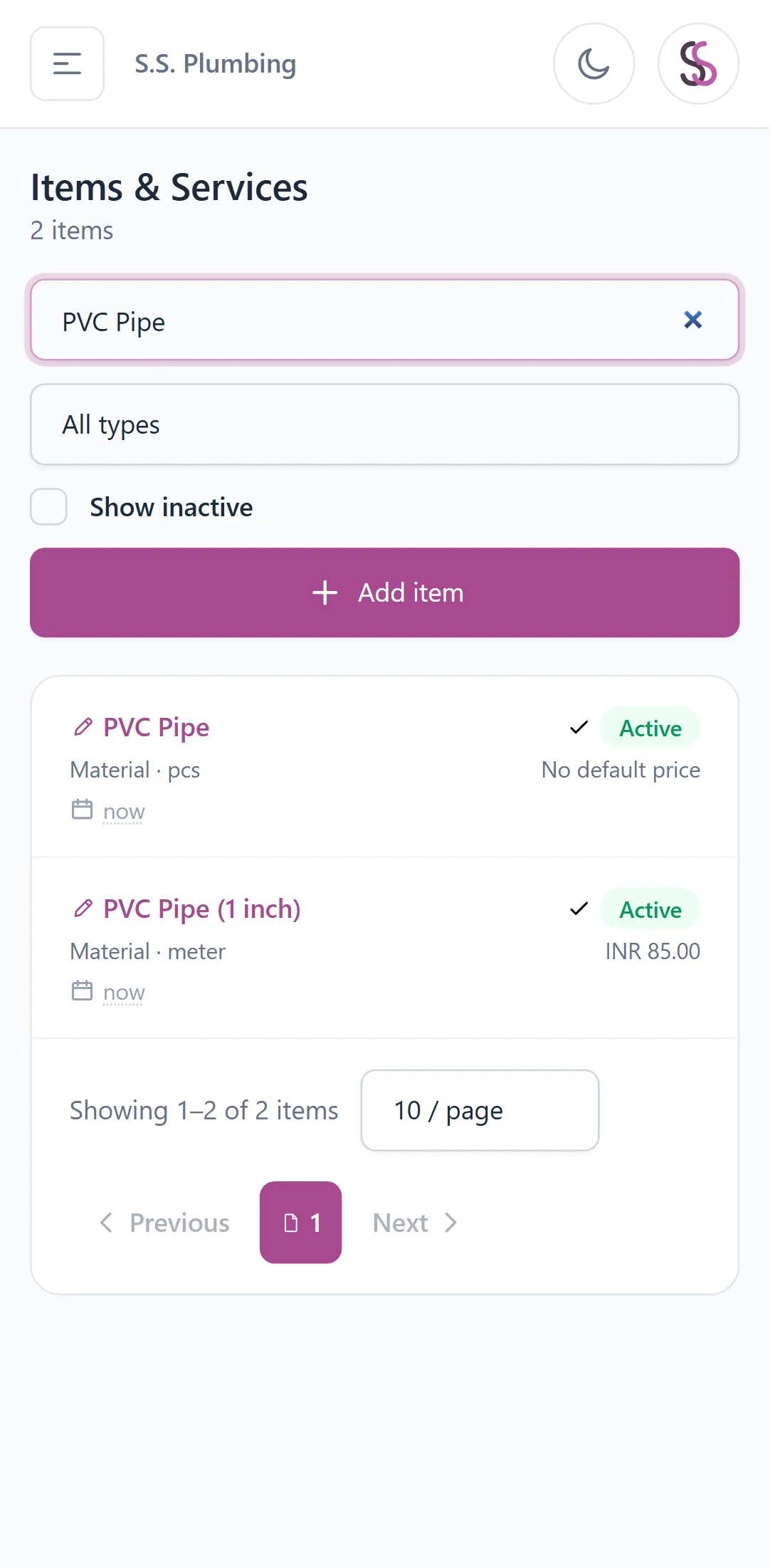
Search by name, filter by type (material or service), and tick "Show inactive" to also see items you've turned off.
Adding and editing an item
"Add item" opens a form for name (required), type (material/service), unit (required — e.g. "pcs", "meter"), a default price, and an Active switch.
Good to know
The default price is only a convenience that pre-fills the price when you add this item to a Purchase List — you can always change the price per line item.
To edit an item, click its name in the list — this opens the same form.
Active and inactive items
Toggle an item between Active and Inactive from the list (desktop row or mobile card). Inactive items no longer show up when picking items for a new Purchase List, but stay on past documents.
Duplicate name errors
Note
Item names must be unique within their type — you can't have two materials both named "PVC Pipe", but a material and a service can share a name. If you see a "already exists" error, rename the item slightly or edit the existing one instead.